 illustration
2:3
illustration
2:3
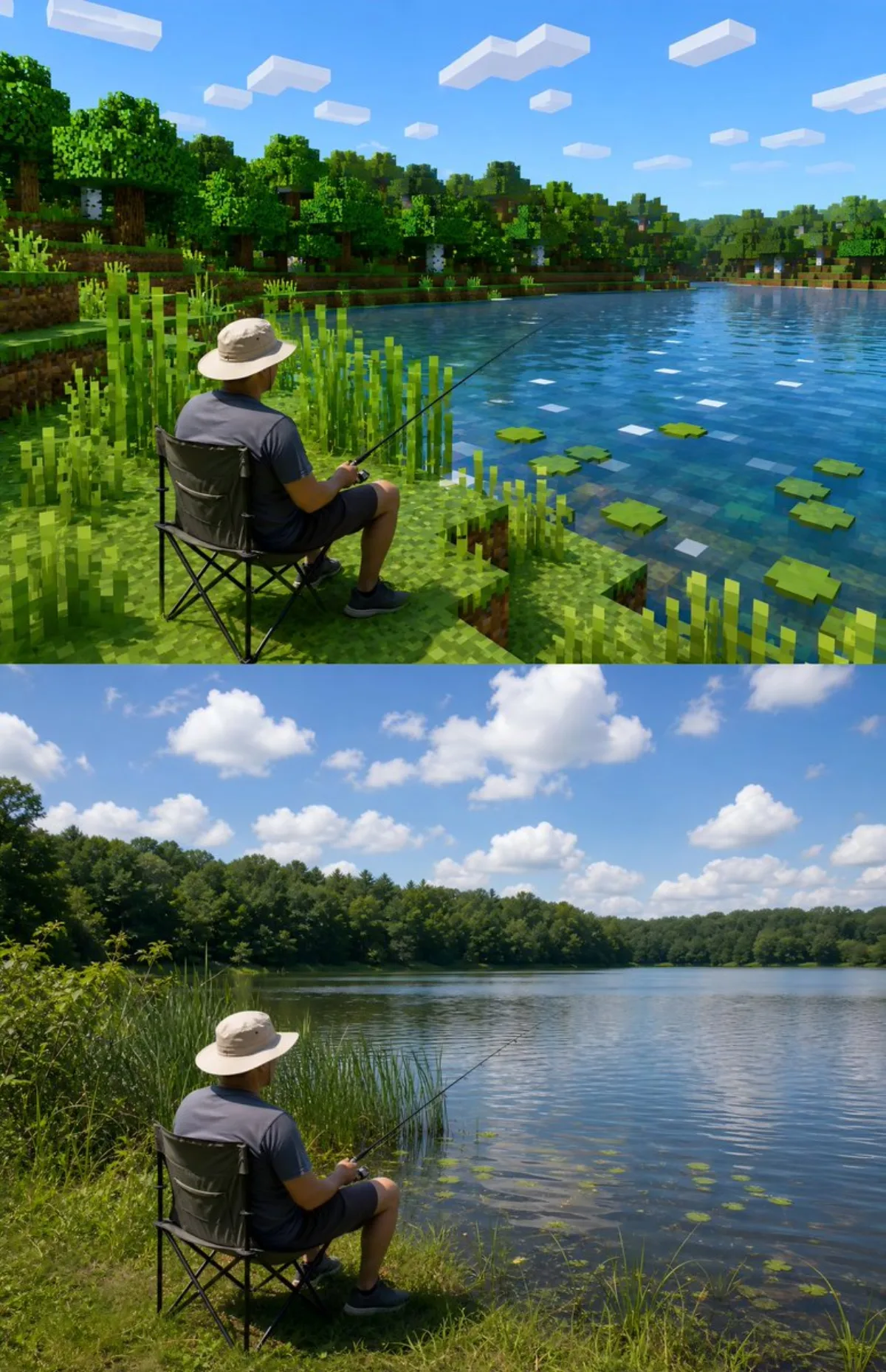
Minecraft-Style Outdoor Photo Stylization
Subject
Stylize an uploaded real outdoor photo into a Minecraft-inspired look. Preserve the main subject while transforming the scene into blocky, pixelated aesthetics with typical Minecraft color palette and textures. Add grass blocks, trees, and sky reminiscent of the game. Tip: Use a consistent lighting direction to maintain depth in the blocky world.
Composition
Centered subject framing with shallow depth of field that draws the eye inward.
Lighting
Soft diffused key light with subtle rim separation, balanced shadow falloff.
Setting
Atmospheric environment that complements the subject without distraction.
Style
Preserve the main subject while transforming the scene into blocky, pixelated aesthetics with typical Minecraft color palette and textures.
Details
Photographic-grade depth of field with subtle bokeh in the background.